Android Studio vector asset insert tool doesn't show all icons
February 15 2026
IDEA's Android plugin has the ability to insert Material Design icons, which is quite convenient. This applies to Android Studio, which is basically just reskinned IDEA with the Android plugin preinstalled (really!).
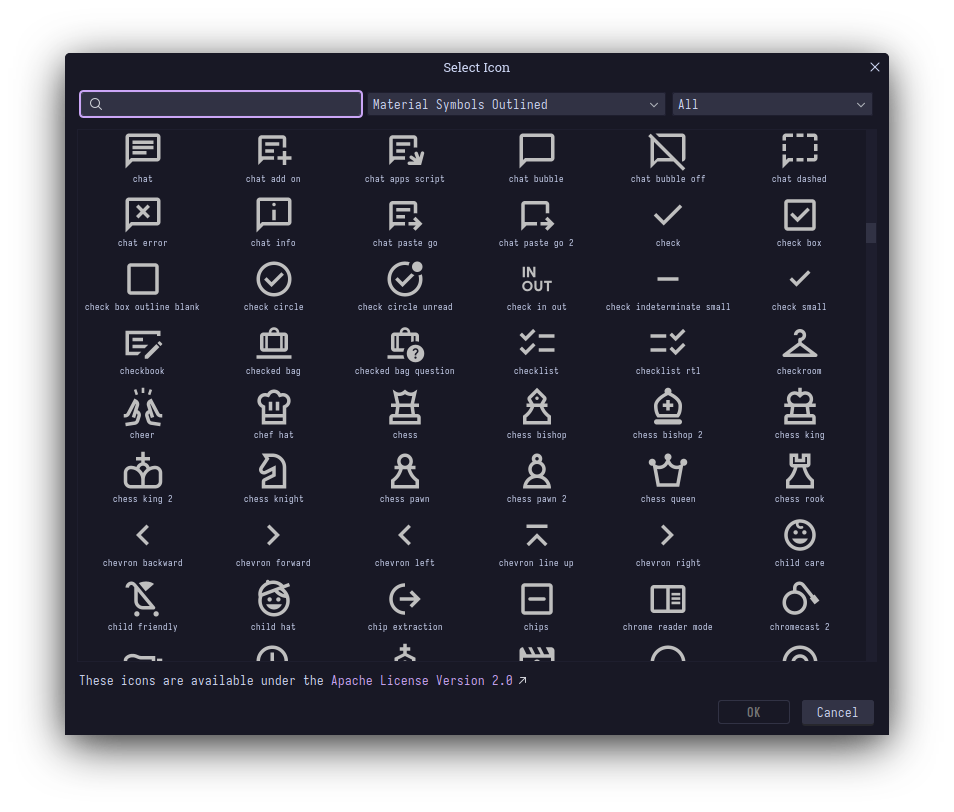
However, sometimes, an icon that should exist in the set doesn't show up, even after searching for it, and sometimes it does show up, but in the wrong icon style. It seems to be caused by faulty indexing of the icons database, which is like, you're showing me a bunch of images from one directory. Do you really need an index for this??
How to fix it
Delete the contents of ~/Android/Sdk/icons/, where all the icons and the index for the icons is stored.
Open the insert icon dialog again, and wait until the folder stops changing, without closing the dialog or really touching IDEA at all.
In the background, it's downloading all the icons and it should finish in five or ten minutes.
After that, all the icons should show up correctly, and it also shouldn't show a little throbber in the upper right corner.
Since I use nushell, it has this handy watch command which stops printing stuff once files stop being modified, so I just run that command and wait, then I get back to work.
Conclusion
IDEA is maybe the most impressive piece of software I've used. Impressive because it does so much cool stuff, and impressive because it fails to do so much more cool stuff. Somehow, its plugins continue this legacy, and not the correct half of it. Can you believe this thing costs ?
(this is to flex that I have LaTeX rendering now)